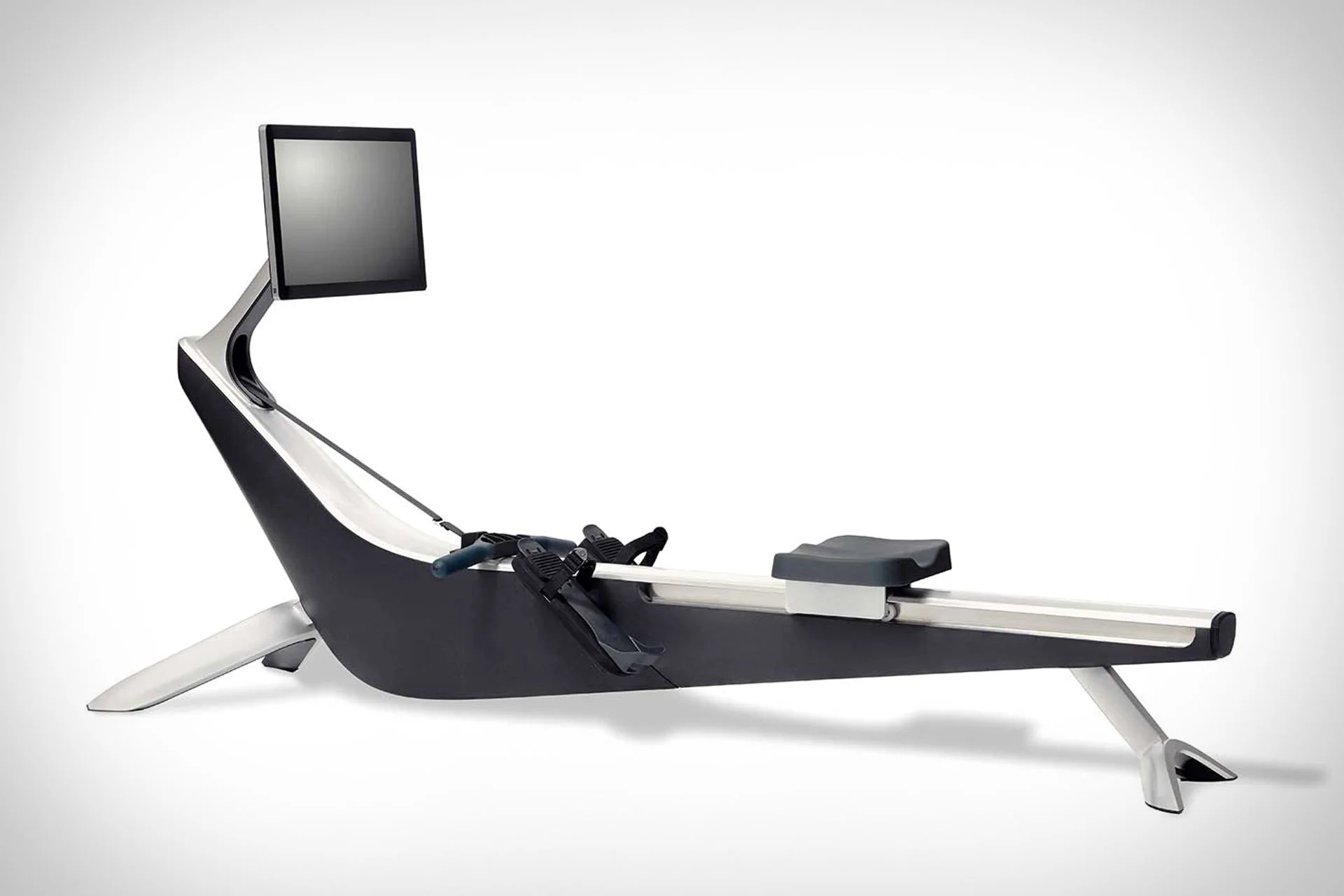

Some rowing machines are excellent hardware but do not expose the Bluetooth data that third-party training apps need. A recent support case with a Hydrow owner confirmed a different approach: QZ can act as an automated virtual FTMS rower and broadcast a compatible rowing profile for another app to use.
The goal here is not to read locked Hydrow telemetry directly. Instead, QZ creates and broadcasts the virtual rower session. After working through the settings, the user confirmed that the workflow was working and that the target app was displaying rowing data. Power still needed tuning, but the connection itself was successful.
Table of Contents
What this setup does — and does not — do
| Item | Result |
|---|---|
| Physical rower | Hydrow |
| Direct Hydrow telemetry into QZ | Not the purpose of this workflow |
| QZ role | Generate and broadcast a virtual FTMS rower |
| Kinomap | Confirmed working in the support case |
| Power | Workflow connected successfully, but power required tuning |
This boundary matters: the case should not be described as QZ reading Hydrow data. QZ is creating the virtual rower session so a compatible third-party app can connect to it.
Basic setup
- Open QZ on the device that will act as the virtual rower broadcaster.
- Enable Virtual Rower in QZ.
- Configure the rowing tiles you need; the Target Watt tile can help drive the simulated effort.
- Open Kinomap on the second device and pair the virtual rower exposed by QZ using its compatible FTMS/PM5 rowing path.
- Start with a low, realistic target and verify movement and data before tuning power behaviour.
- Adjust the QZ rowing parameters until the simulated output feels appropriate.
Why Virtual Rower is useful
Instead of trying to reverse-engineer telemetry that a locked-down rower does not expose, QZ can provide a standard rower profile that supported third-party apps understand. That can give users another training interface for scenery, structured sessions or workouts while they continue using their existing hardware.
The confirmed result is specifically the QZ Virtual Rower plus Kinomap workflow. EXR was part of the user’s intended use, but it was not independently confirmed in the final success message, so it is not presented here as a tested result.
QZ Virtual Rower is intended for rowing-compatible third-party apps. Do not enable it when using Zwift as a cycling or treadmill target.
If something does not work as expected, send an email to Roberto.viola83@gmail.com and Roberto will help you check the setup.
More information: QZ Fitness · Hydrow official product page · Hydrow product image source